CTW Dosca
Scan paper documents and save them as a single multi-page PDF. For Windows and Mac.
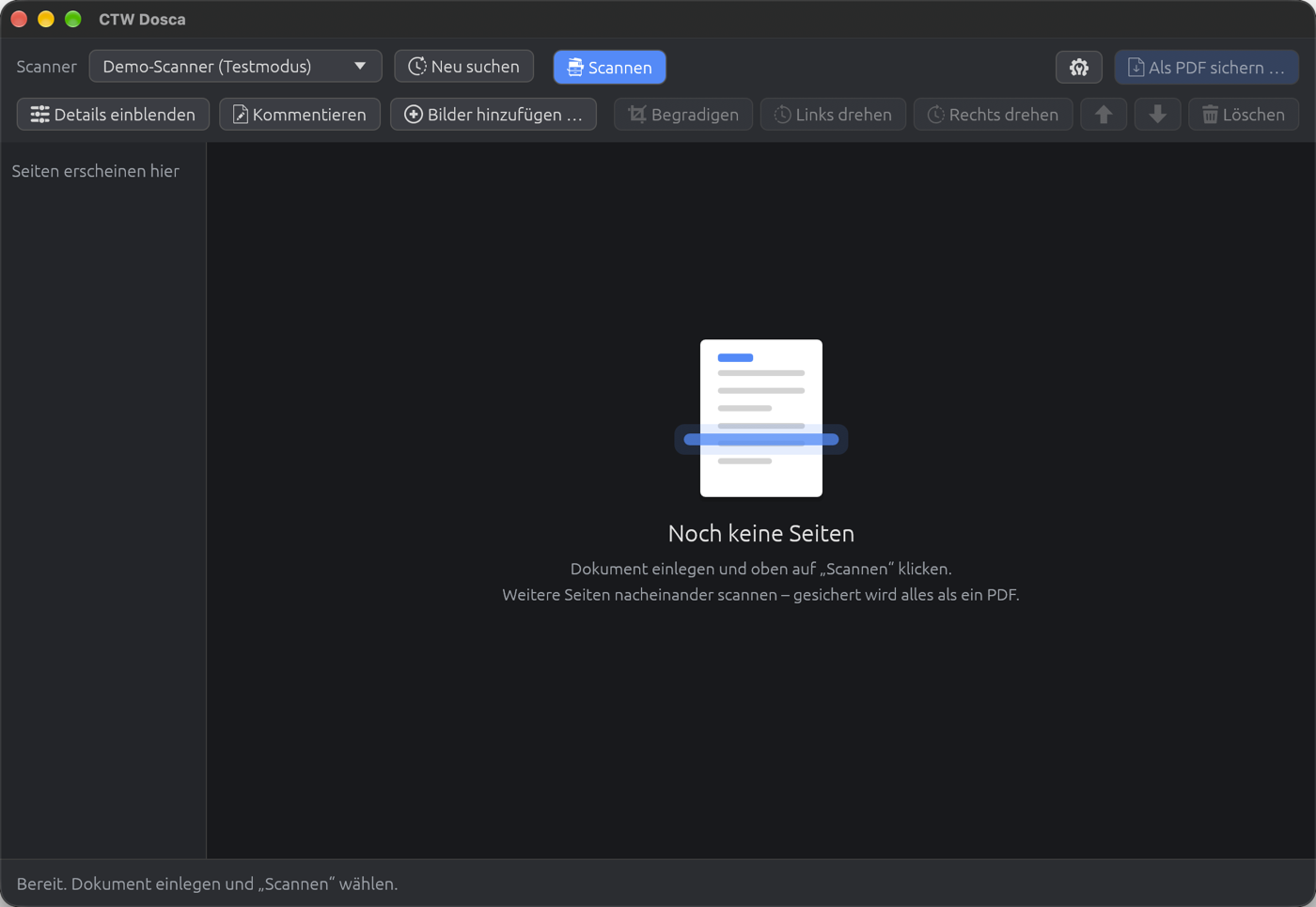
CTW Dosca is a small program for scanning paper documents and saving them as a single multi-page PDF. It is deliberately simple and modelled on Apple’s Preview app: the scanned pages appear as thumbnails on the left, the selected page is shown large in the middle, and the most important buttons are at the top.
How it works
Put a sheet on the scanner and click “Scan”. The page appears in the list straight away. Use “Scan another page” to add as many pages as you like; if you have a document feeder, all loaded sheets are scanned one after another. “Save as PDF” then creates a single file.
Under “Details” you can choose the source (flatbed or feeder), colour, resolution, paper size and PDF quality when needed. Everything else stays hidden so that it remains easy to use.
What else you can do
- Rotate, delete and reorder pages – several at once, and by dragging with the mouse.
- Straighten and crop crooked scans automatically.
- Draw, highlight and insert arrows, frames and text with the annotation tools; annotations can be moved afterwards. Confidential details can be redacted – the area becomes permanently unreadable in the PDF.
- Make the PDF searchable with text recognition (Windows).
- Protect the PDF with a password.
- Insert ready-made images by dragging them in or with “Add images”.
- The interface is available in German, English and French, light or dark.
Installation
There is no installer: on Windows the file CTW-Dosca-Windows.exe is all you need, on the Mac the file CTW Dosca.app (as a ZIP file, after unzipping). On Windows the scanner is addressed through the built-in WIA interface; on the Mac only a demo scanner is available for trying it out.